Forms should not disappear after they are completed

Forms are meant to prove that something happened. A check was carried out. An inspection was completed. A fault was reported. A photo was taken. A signature was captured. An action was assigned.

The problem is that many workplace forms still live in awkward places. Paper folders. Spreadsheets. Shared drives. Email attachments. Photos on someone’s phone. Notes taken quickly and typed up later, if anyone remembers.

That makes the form feel finished when it is filled in, but the real value comes after that. Can someone find it? Can they see who completed it? Can they check when it was submitted? Can they see whether an issue was found? Can they follow up on the action?

For team leaders, supervisors, managers, directors and business owners, forms should not be dead admin. They should create useful records that help people manage work properly.

Compliance doesn’t work in silos. So this doesn’t either.

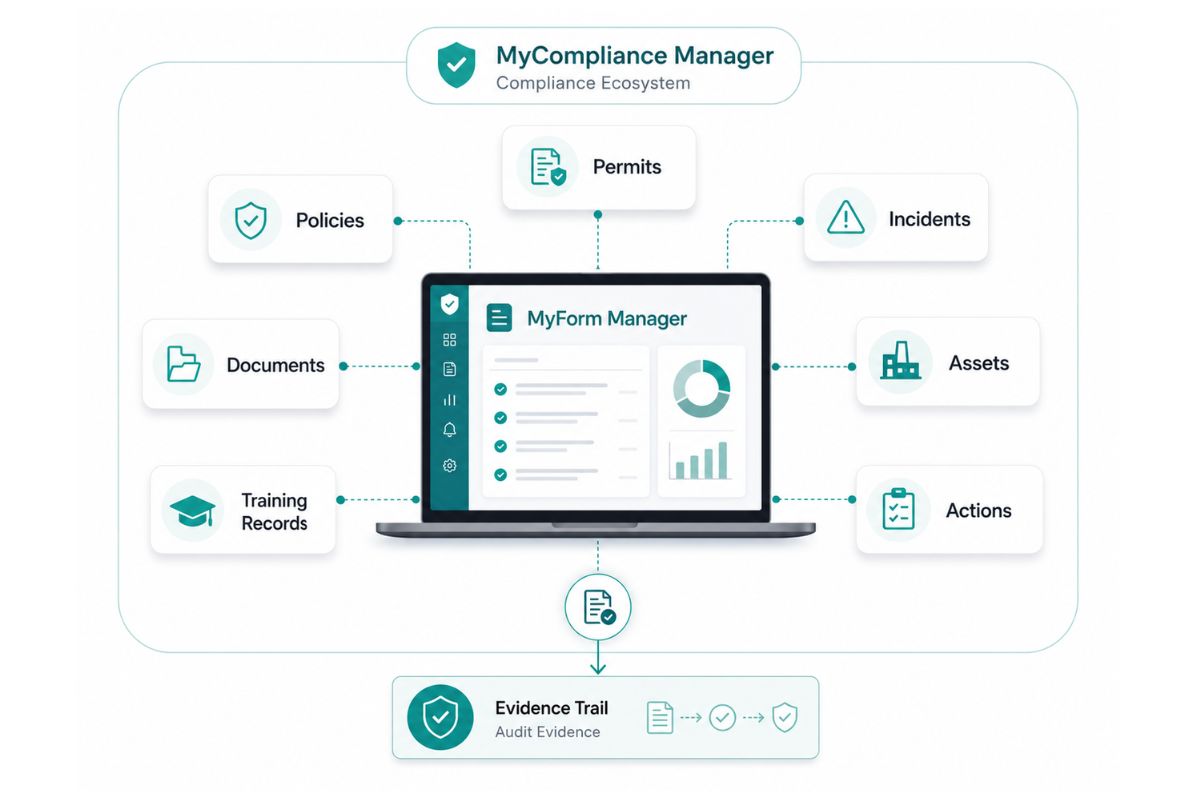
MyCompliance Manager brings together everything you need to manage compliance in one connected system, keeping it clear, controlled and easy to manage.

MyPermit Manager MyForm Manager MyPolicy Manager MyDocument Manager MyIncident Reporter

A clearer way to manage workplace forms

MyForm Manager gives teams a digital way to create, complete, submit and manage forms from one system. Instead of relying on disconnected paperwork, forms can become part of a live compliance process.

This could include daily checks, workplace inspections, forklift checks, vehicle checks, equipment checks, cleaning records, site audits, contractor forms, risk assessments, health and safety checks, quality control forms or any other process that needs a clear record.

The exact forms can be shaped around how the organisation works, but the purpose stays the same. Every form should be easy to complete, easy to track and easy to find when someone needs it.

A completed form should show what was checked, who completed it, when it was submitted, what evidence was attached and whether any follow-up action was needed.


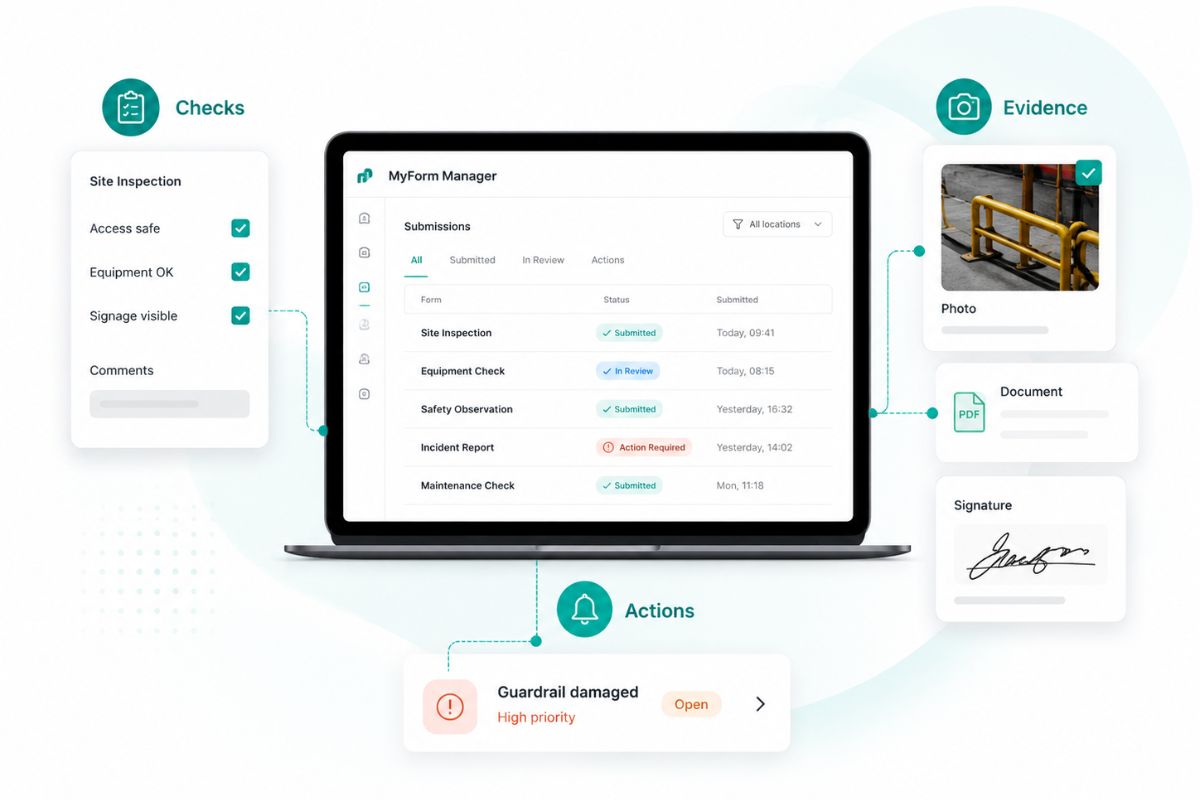
Capture checks, evidence and actions in one place

A form is only useful if it captures the right information at the right time. MyForm Manager helps teams move away from rushed notes, missing fields and paperwork that gets completed after the event.

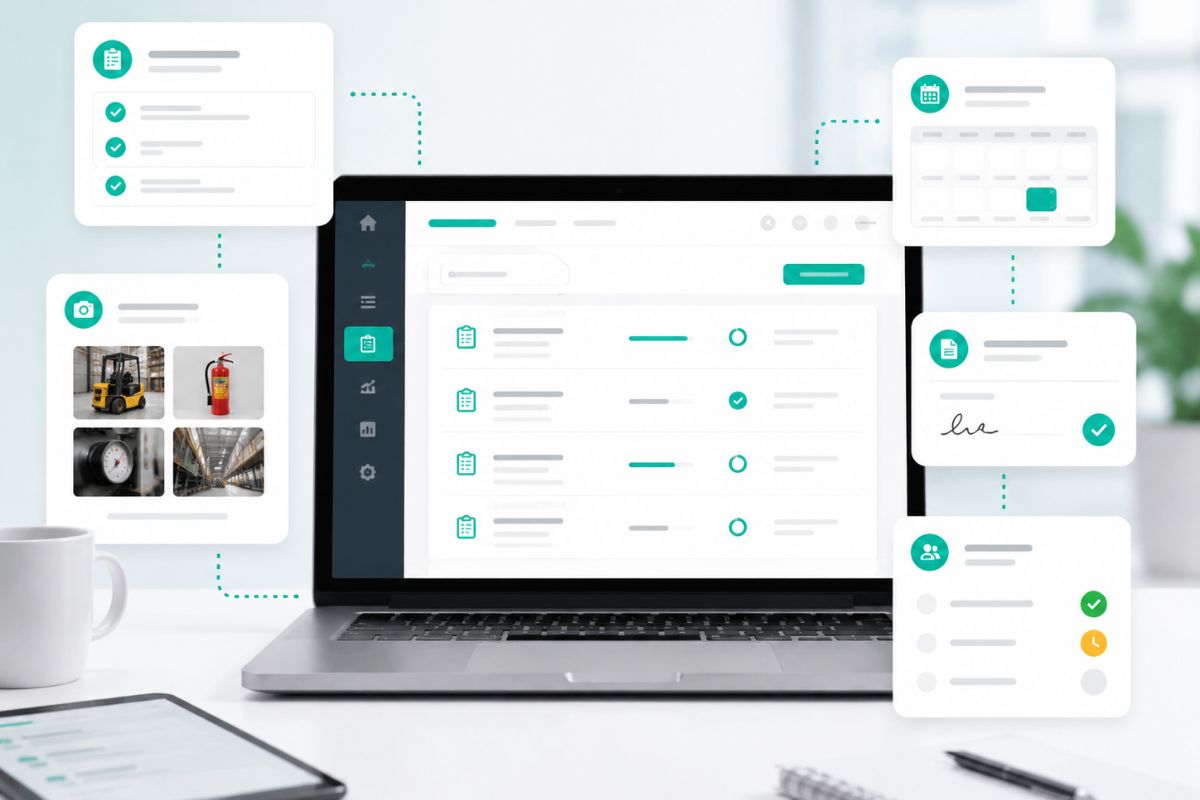
Digital forms can support structured questions, required fields, uploaded documents, photos, signatures, comments and timestamps. This helps make the process clearer for the person completing the form and more useful for the person reviewing it.

This matters because small issues are often spotted during routine checks. A damaged asset. A missing document. A failed inspection. A repeated fault. A concern raised by someone on-site.

If that information is captured properly, it can be acted on. If it is trapped in a paper form or buried in an email, it can be missed.

MyForm Manager helps turn everyday forms into usable evidence. Managers can see what has been submitted, what needs review, what has raised a concern and what actions may need to happen next.

Part of a wider compliance picture

MyForm Manager sits inside MyCompliance Manager, which means forms do not have to exist on their own. They can connect with permits, policies, documents, incidents, training records and other compliance information across the business.

That makes forms more valuable. A forklift check can connect to an asset record. A site inspection can support a permit process. A completed checklist can provide evidence for an audit. A reported issue can lead into an incident record or follow-up action.

This is where compliance becomes easier to manage. Not because people are filling in more forms, but because the information captured in those forms is easier to use.

The form is no longer the end of the process. It becomes part of the evidence trail.

Make forms easier to complete, manage and prove

MyForm Manager helps organisations replace loose paperwork with clearer digital records. Teams can complete checks, capture evidence, submit forms and follow up on issues in one place. Forms should not exist just to tick a box. They should show what happened, what was checked and what needs attention.

Frequently Asked Questions

Any employee-related forms or documents, including licenses, records and required documentation.

Yes. Every form is stored against an employee profile, making it easy to find and manage.

Yes. Licenses can be maintained and tracked alongside other employee records.

No. MyForm Manager centralises forms and documents into one structured system.

Yes. The system is designed to scale, keeping records organised across multiple employees and sites.

Yes. All records are stored centrally and can be accessed instantly.