¿Alguna vez has necesitado trabajar en tus documentos al mismo tiempo que otras personas? ¿Alguna vez has querido tener un lugar donde puedas almacenar de forma segura tus archivos personales? ¿Quieres poder acceder a tus documentos desde varios dispositivos, incluso cuando estás sin conexión, y asegurarte de que siempre estén actualizados? En este curso, descubrirás las características, los beneficios y las operaciones para ayudarte a usar OneDrive para empresas. Aprenderás a cargar archivos, guardarlos, abrirlos en aplicaciones de Microsoft y compartirlos con otros usuarios. También aprenderás a administrar el mismo archivo desde diferentes dispositivos y tener la opción de trabajar en ellos en cualquier lugar.
Este curso es solo una parte de lo que puedes acceder a través de Mi centro de eLearning.
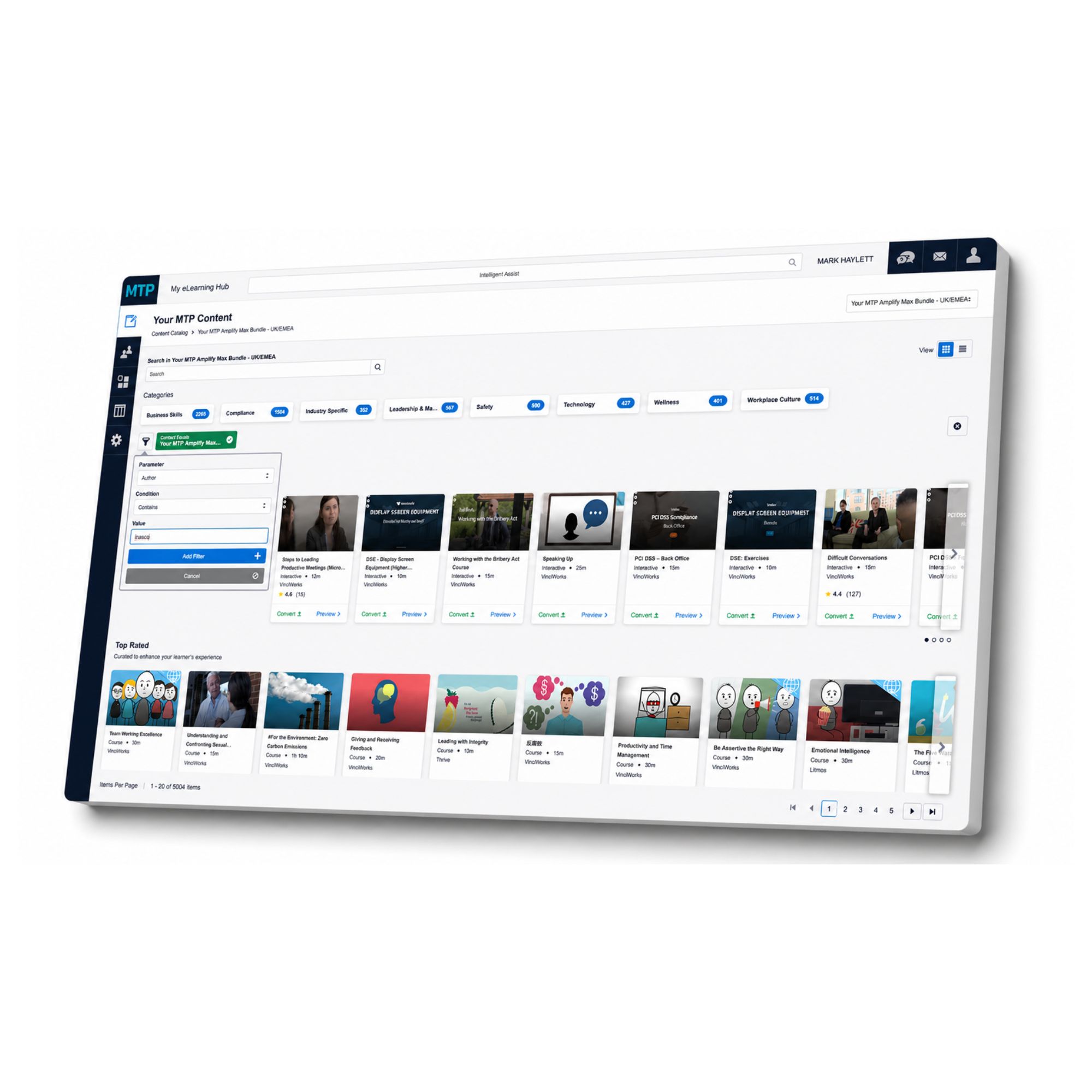
Con más de 5.000 cursos en línea disponibles, su organización puede crear una biblioteca de capacitación que respalde el cumplimiento normativo, el desarrollo personal, el liderazgo, la salud y seguridad, el bienestar, las habilidades laborales y mucho más.
En lugar de intentar gestionar la formación a través de hojas de cálculo dispersas, recordatorios por correo electrónico y plataformas desconectadas, My eLearning Hub te ofrece un único lugar para asignar cursos, hacer un seguimiento del progreso y ver quién ha completado qué.
Los gerentes pueden apoyar a sus equipos con aprendizaje relevante. Los líderes de cumplimiento pueden mantener la evidencia en un solo lugar. Los equipos de RR. HH. pueden dar a las personas un acceso más fácil al desarrollo que necesitan. Y los alumnos pueden completar cursos en un momento y a un ritmo que les funcione.
Ya sea que necesite un curso, una ruta de capacitación completa o una solución de eLearning más amplia para su fuerza laboral, My eLearning Hub le brinda la estructura para administrarla correctamente.
Háblenos sobre este curso y descubra cómo My eLearning Hub puede apoyar a su organización con acceso a más de 5,000 cursos.